Inspiration / Photo to GIF
Bring a Painted Portrait to Life
Make a painted portrait wink and smile with a small, loop-friendly motion, using the Mona Lisa as the example. Learn how to keep identity and style intact.
A character illustration has details that make it recognisable: the shape of the face, the arrangement of the hair, the palette and the expression. A small animated gesture should support those details. Start with a blink or gentle head movement, then decide whether a second motion contributes anything.
What you'll create
Use an illustration as the source for a calm looping character study. This is useful when exploring how a drawing might feel in a small interface vignette or an animated portrait concept. It is not an instruction to redesign the character between frames.
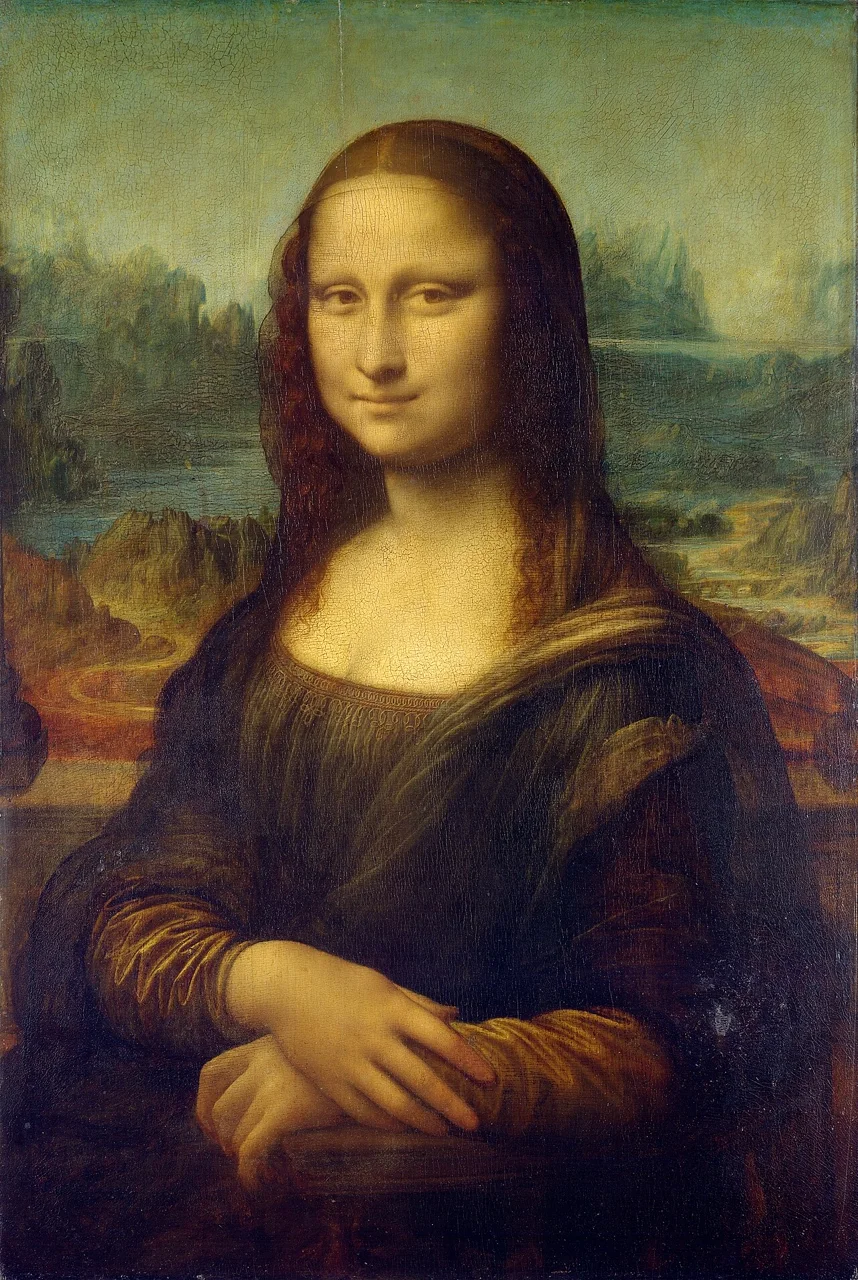
The example below starts from Leonardo da Vinci's Mona Lisa, a public-domain painting, and was animated for GifMyPhoto with GPT Image 2.6: her eyes turn toward the viewer, she winks and her smile widens slightly. The prompt is shown exactly as used; results vary by model.
How to try it
- Choose Try this prompt to enter Photo to GIF with the painted portrait template. “Photo” is the input mode's name; this example uses a source illustration.
- Review the trusted sample that fills the input when no user image is present. Delete it or replace it with your own permitted drawing if you want to work on a different character.
- Inspect the eyes, hair outline, shoulders and background before choosing a motion. Pick one feature that can move without requiring a completely new pose.
- Read the suggested prompt. For a first variation, reduce it to blinking only, keeping the preservation and fixed-camera instructions.
- Compare any output against the original drawing, then add a small head motion only if the identity stays consistent.
The editor shows the credits before you generate. Make two or three variations and keep the one where the face stays closest to the original.
Suggested prompt
Animate the supplied painting: the woman slowly turns her eyes toward the viewer, gives a playful wink and her smile widens slightly. Keep the painting style, colors, the fine cracks in the paint and the landscape behind her unchanged, with a fixed camera. No added text.Local template:
mona-lisa-winking · Suggested recipe, not a verified generation record.Try this prompt Keep identity ahead of movement
A blink is small in distance but sensitive in shape: an eye that reopens with a different outline can change the expression. Likewise, a modest head tilt can reveal a new jaw or ear shape. Ask for subtle motion and keep the character's proportions, hair colours and background fixed.
A still camera makes comparison easier. If the face both turns and moves toward the viewer, it becomes harder to distinguish deliberate movement from changes in identity. Keep the face well inside the frame so a tiny tilt does not clip the hair. Preserve the original background instead of requesting a new environment in the same instruction.
Ideas to experiment with
- Try a single slow blink with no head movement. Check that both eyes return to their original appearance.
- Add a very small head tilt and a return to the starting pose, leaving the shoulders still.
- Explore a little hair sway while keeping the face fixed. Watch for strands changing colour or merging.
- Use breath-like shoulder movement instead of a head tilt, without asking for a new gesture as well.
These are adaptations to try separately, not promises of independent motion controls in the editor.
What to check
Watch the full loop and then examine the eyes, mouth and outline in still frames. Look for a drifting expression, flickering highlights, changing accessories and a background that shifts with the character. At the restart, the head should return without a visible snap.
Compare the source with a frame where the face is closest to neutral. If it has become a different drawing, simplify the action before polishing its pace. Review at the final display size too: a gesture that seems subtle when enlarged may be unreadable as a small portrait, while strong hair movement can dominate it.
For a setting-focused text-to-GIF workflow, explore Create a Midnight Ramen Scene.
Reference study